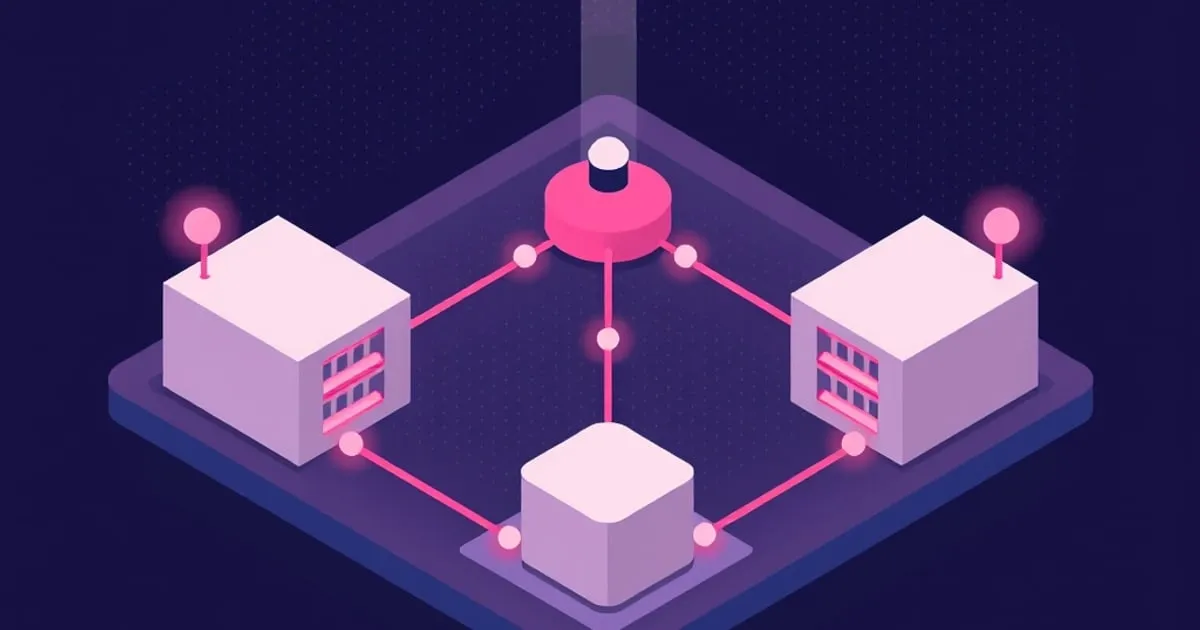
Most confusion about Matter comes from treating it as a single thing. It is not. Matter is an application layer, Thread is one of the networks it can run over, and a border router connects the Thread mesh to the LAN. Knowing which layer a problem lives in is the difference between a five minute fix and a weekend of guessing.
The layer split
Matter defines how devices describe themselves and how commands are structured. A light exposes an on/off cluster and a level cluster, a sensor exposes measurement attributes, and a Matter controller that supports those device features can operate them without a vendor-specific integration. That is the point: the data model is standardized, so pairing does not depend on a manufacturer cloud service staying online.
Matter does not define the radio. A Matter device reaches the network over Wi-Fi, over Ethernet, or over Thread. Wi-Fi and Ethernet devices are already on your IP network, so nothing extra is required. Thread devices are not. Thread is a low power mesh radio built on IEEE 802.15.4, the same physical layer used by Zigbee, but it carries IPv6 natively beneath an application protocol such as Matter. Sharing a radio standard is not the same as interoperating, and Thread and Zigbee compared works through where the two stacks actually diverge.
For the routing role, hardware choices and shared-network checks, use the Thread border router guide. It is the next step when the missing part of a Thread setup is its connection to the LAN.
Fabrics and multi-admin
A fabric is one administrative domain: a set of devices and controllers sharing a common trust root. Commissioning a device onto a fabric gives that fabric’s controllers the credentials to operate it.
Multi-admin lets one physical device belong to several fabrics at once, so the same lamp can be controlled by a phone ecosystem and by a local automation platform at the same time, with no cloud relay in between. The mechanism is that the first controller generates a pairing code for the second, rather than you factory resetting and starting over. Devices support a limited number of fabrics, so removing stale ones matters. If a controller was wiped without unpairing first, its fabric slot may still be occupied.
Follow one command through the layers
Consider a controller turning on a Matter light. With a Wi-Fi light, the Matter command travels over the IP network through the access point to the device. With a Thread light, the command also crosses the Thread network’s border router. The light’s Matter on/off function has the same meaning in either case; the route carrying it differs.
Changing the transport does not automatically grant another controller access. That controller still needs the device commissioned into a fabric it can administer. Equally, adding a new fabric does not convert a Thread device into a Wi-Fi device or change its Thread network credentials. These are separate configuration steps, which is why sharing a device and moving its radio network should be treated separately.
The Matter over Wi-Fi vs Thread comparison covers the transport choice, while Matter multi-admin sharing explains how a second platform gets access.
Common mistakes
Factory resetting a device to add a second controller, which destroys the existing pairing instead of extending it. Assuming Thread and Zigbee interoperate because they share a radio band, which they do not. Blaming Matter for a network problem when IPv6 or multicast forwarding is blocked between VLANs, since that breaks discovery even though the radios are healthy. Adding more battery sensors and expecting mesh coverage to improve.
Start by confirming your border routers are on one Thread network, verify IPv6 and multicast work across any network segments you use, and only then debug the device itself.
Which layer is your problem in
| Layer | What lives there | Typical symptom when it breaks |
|---|---|---|
| Application (Matter) | Clusters, attributes, commands, fabrics | Device pairs but exposes the wrong controls, or a controller loses access while others keep it |
| Transport | Wi-Fi, Ethernet, or Thread | Only Thread devices drop while Wi-Fi ones stay reachable, or the reverse |
| IP network | IPv6 addressing, mDNS discovery, multicast | Everything commissions, then goes unavailable across the board |
| Radio | 802.15.4 mesh, hops, relay density | Distant devices are slow or intermittent while nearby ones are fine |
Reading the symptom against this table is faster than reading logs, because it tells you which set of logs to open.
Where to go next
- Choosing and siting the hardware: Thread border router guide.
- Deciding between mesh technologies: Thread vs Zigbee.
- Fixing a commissioning failure right now: Matter pairing failures.


